DM560, Introduction to Programming in C++
Coder
-
Log in the SDU cloud with your SDU email credentials.
-
Choose Files from the Menu on the left and create a new directory, eg,
dm560. Upload there your c++ files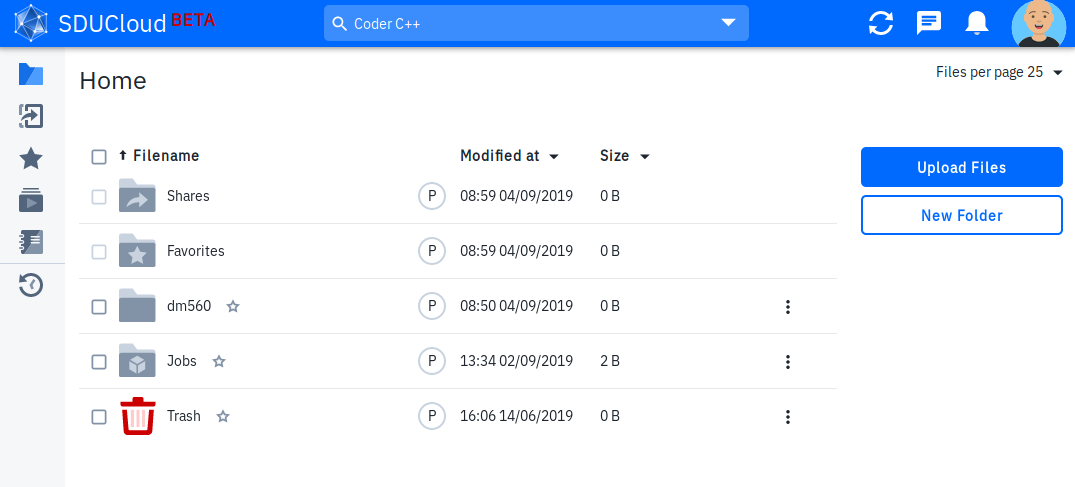
-
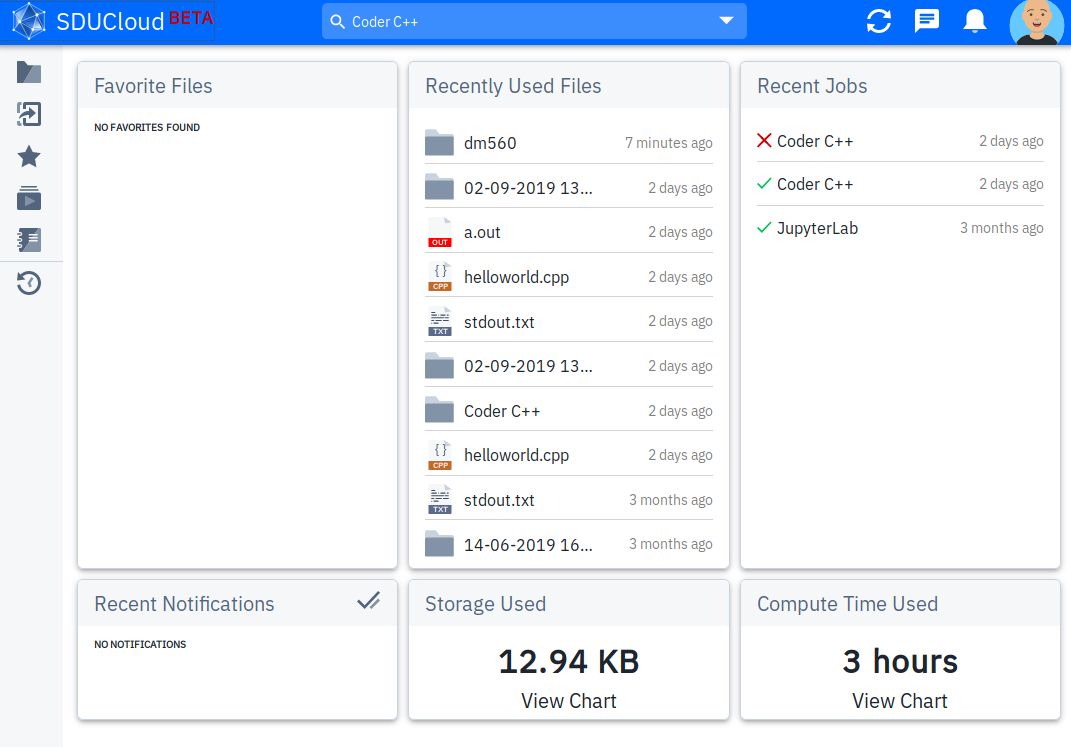
Choose Apps from the Menu on the left
-
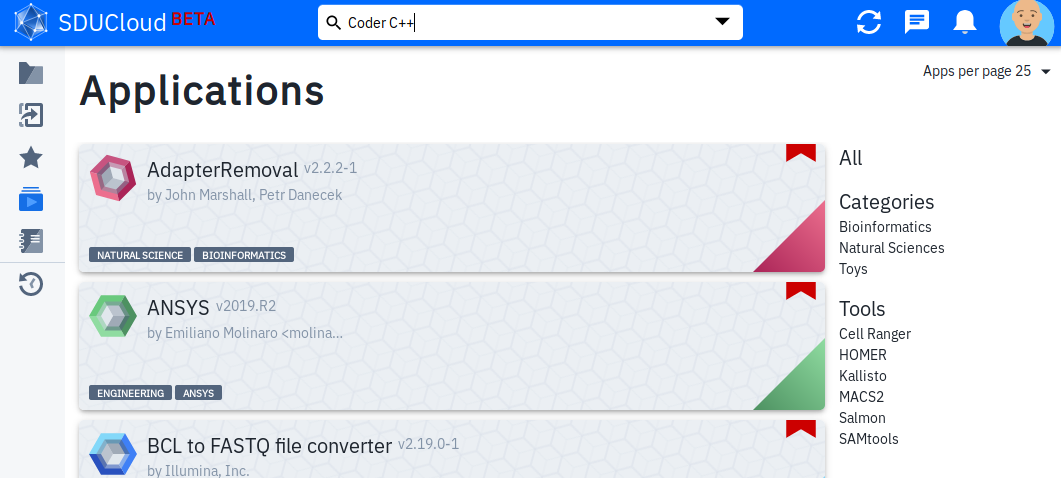
Search “Coder C++”
-
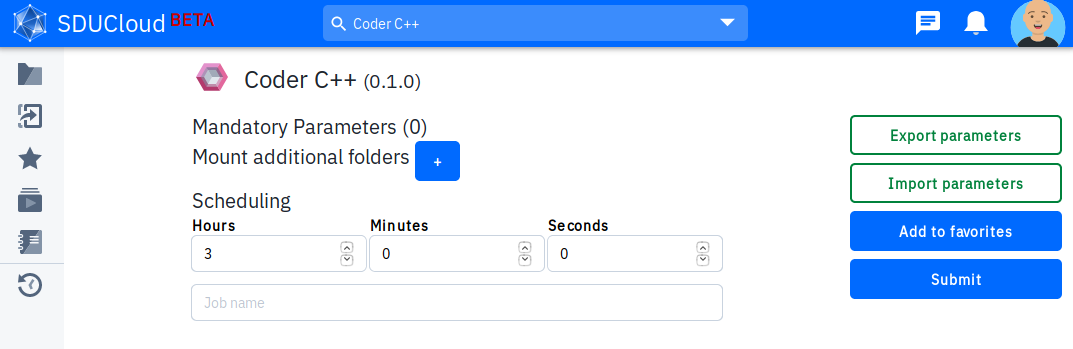
Run the Coder C++ application.
-
Mount as additional folder the previosuly created folder
dm560.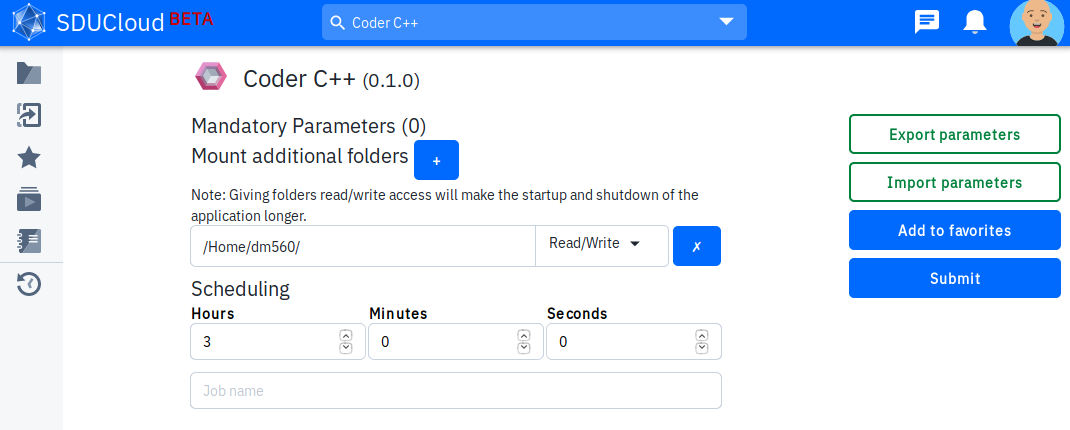
-
Submit and go to the Web Interface. You will be presented with a Visual Studio Code interface. You can learn more about it from the Welcome page.
-
Choose File and edit your new file by typing in your C++ code. Save the file in the mounted directory
dm560.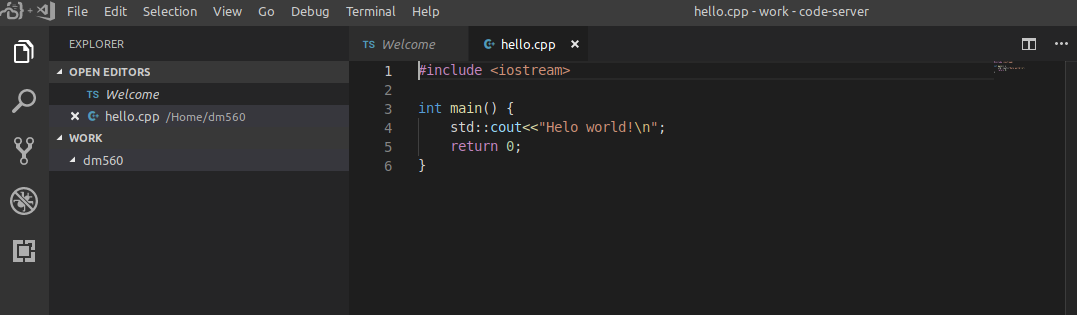
-
To compile the code, choose Terminal from the menu on the top and move to the
dm560directory:cd ../Home/dm560Then type:
g++ -o hello hello.cpp